
555X Login and Register
The 555X Login and Register process gives users a simple way to access their account and manage available app features. New users can create an account, while existing members can use their saved credentials to sign in.
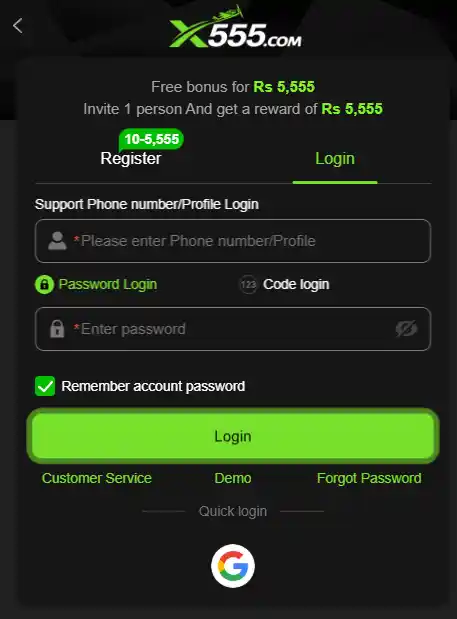
Before registering, review the available account requirements and provide accurate information. Keep your password, OTP, and other verification details private to protect your account.
Create a 555X Account
New users can start by opening the registration option inside the application or on the available login page. Enter the requested information and complete the verification process if required.
After registration, keep your login details secure. Avoid sharing your password or OTP with anyone, even if someone claims to represent the platform.
555X Login Process
Existing users can access their account through the login option. Enter the registered mobile number, username, password, or other details requested by the current version.
If an OTP is required, enter the verification code only on the official login screen. Never share OTP codes through messages, calls, or social media.
Forgot Password or Login Details
Users who cannot remember their password should use the available recovery option. Follow the verification steps shown by the application to restore account access.
If the recovery option does not work, contact the platform’s available support channel and provide only the information needed to verify your account.
Account Security Tips
555X Registration and Login Support
Account procedures can change when the application receives updates. Therefore, users should follow the instructions displayed in the current version rather than relying on outdated steps.
If you face registration, verification, or login problems, check your internet connection first. You can then review the application’s support options for further assistance.